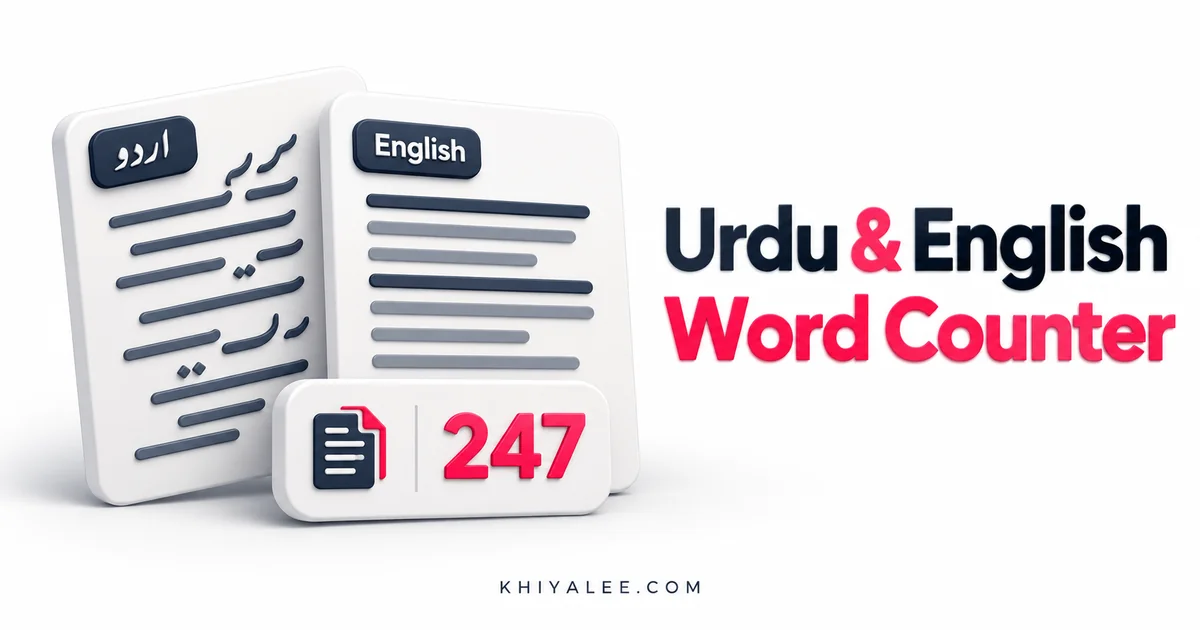
You can count Urdu words by pasting your text into a word counter, but the result depends on how words and characters are defined. Spaces, punctuation, joining marks and English phrases can affect different counters. This guide explains a practical workflow for assignments, captions and mixed Urdu-English writing.
Try the free tool
Urdu & English Word Counter: Words and Characters
Try it: Open the related Khiyalee tool while following the examples below.
In this guide
- Separate words from characters
- Prepare the text before counting
- Check a short Urdu sample
- Use consistent rules for mixed text
- Review the writing after meeting a length target
Separate words from characters
A word count measures units identified as words; a character count measures a different part of the text. Spaces may be included in one character figure and excluded from another. A visible character may also contain more than one underlying Unicode element. Read the labels on the counter before using a number for an assignment, platform limit or client brief.
Prepare the text before counting
Copy the actual body of the assignment or caption rather than an entire webpage with menus and comments. Decide whether headings, footnotes, references and quotations belong in the required count. Preserve the original copy while you clean accidental spacing. Different teachers or clients may use different rules, so agree on the scope before comparing figures.
Check a short Urdu sample
Paste a simple sample such as پاکستان ہمارا وطن ہے and inspect how the counter treats it. Add punctuation and an English phrase, then compare the figures. This small test helps you understand the tool’s behavior before using it on a longer document. It is more useful than assuming every counter uses the same word-boundary algorithm for every language.
Use consistent rules for mixed text
An article may contain Urdu, English, Roman Urdu, digits and abbreviations. A URL or hyphenated expression can be counted differently by different systems. If a submission must match a particular platform, use that platform’s result as the final authority. For drafting, choose one counting method and use it consistently so your revisions can be compared fairly.
Review the writing after meeting a length target
A word goal should support the message rather than determine every sentence. Remove repetition, explain unfamiliar terms and make headings descriptive. Reaching a character limit is also a good reason to check whether essential information was lost. The counter reports quantity; proofreading decides whether the text is understandable and suitable for your audience.
How to use the tool: step by step
- Choose exactly which parts of the text should be counted.
- Paste the Urdu or mixed text into the word counter.
- Read the word and character labels and test a short sample.
- Compare with the submission platform when it has its own counting rule.
Frequently asked questions
Why do two counters show different totals?
They may use different word boundaries or character definitions, especially for punctuation and mixed scripts.
Are Urdu diacritics separate words?
No. Diacritics belong to the writing system, but their treatment in character counts depends on the implementation.
Can a counter improve grammar?
No. Word and character totals do not establish grammatical accuracy or writing quality.
Further reading
For background on the topic, see MDN: locale-sensitive text segmentation. The worked examples in this guide are illustrative.
Count Urdu words: try the tool
Open the working tool to apply this guide to your own inputs. For the next part of your workflow, explore the related Khiyalee tool, or browse the complete tools directory.
Ready to try it? Open the tool and follow the steps in this guide.