
Khiyalee free tools · No sign-up
Sticker Sheet Layout Calculator
Use the sticker sheet layout calculator to estimate labels per sheet. Compare grid orientations, margins and gaps, then calculate sheets for your order.
شیٹ اور اسٹیکر کا سائز ملی میٹر میں درج کریں تاکہ تعداد معلوم ہو سکے۔
Plan a regular label grid
Enter all measurements in millimetres. Include any individual sticker bleed in its width and height, then add the clear cutting gap separately. Set the non-printable margin on each sheet edge and enter your order quantity. The tool compares an unrotated grid with a grid in which every sticker is rotated 90 degrees.
How the sheet count is calculated
Columns = floor((usable width + gap) ÷ (sticker width + gap)). Rows use the equivalent height calculation. Usable width is sheet width minus two margins. Stickers per sheet = columns × rows. Sheets required = order quantity ÷ stickers per sheet, rounded up.
A4 worked example
On a 210 × 297 mm sheet with 5 mm margins, 50 × 30 mm stickers and 3 mm gaps, the original grid fits 3 × 8 = 24 stickers. Rotating the whole grid fits 6 × 5 = 30. An order of 100 therefore needs 4 sheets in the rotated layout, before spoilage.
Limits of the layout estimate
This is a rectangular grid comparison, not an optimal nesting solver. It does not mix rotations, stagger circles or account for cutter registration marks. Pre-cut label stock has its own fixed positions. Confirm your printer’s actual printable area and allow extra sheets for setup or damaged prints.
Frequently asked questions
Is the result a cutting file?
No. It is a count and layout estimate; it does not export cutter paths.
Does it include bleed?
Only if you include bleed in the sticker dimensions. The gap is additional clear space between those boxes.
Can I use round stickers?
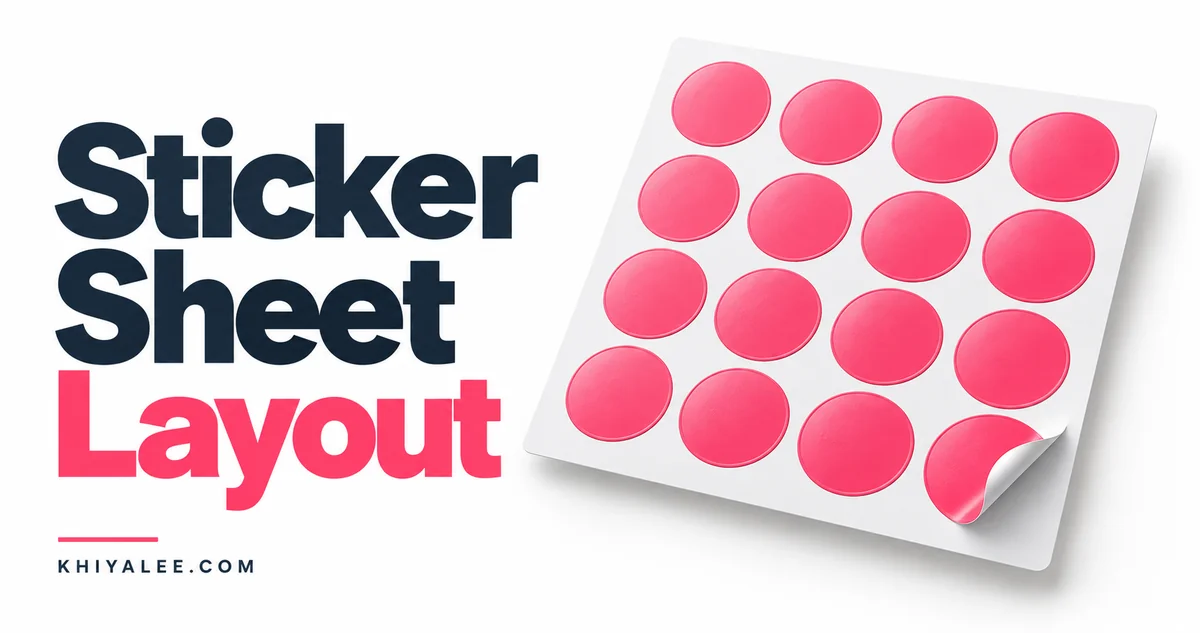
Use the outer diameter as both width and height. This calculates a rectangular grid, not staggered circle packing.