
Khiyalee free tools · No sign-up
Banner Aspect Ratio Calculator
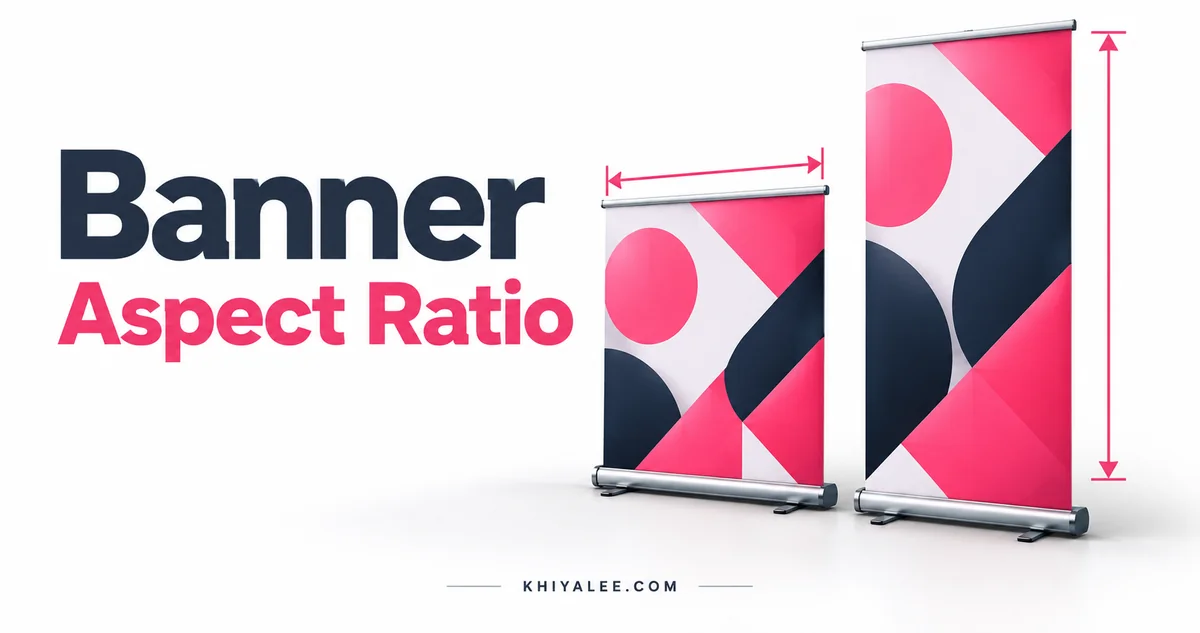
Use the banner aspect ratio calculator to resize layouts proportionally. Find the correct height from original dimensions and your chosen width.
اصل چوڑائی، اونچائی اور نئی چوڑائی درج کریں تاکہ تناسب برقرار رہے۔
Resize a layout proportionally
Enter the original width and height, followed by your desired new width. Use matching units for the original pair. The output height uses the unit of your new width. You can work in pixels for digital artwork or one consistent physical unit for a print layout.
Aspect ratio formula
New height = new width × original height ÷ original width. For a 1920 × 1080 graphic resized to 1200 pixels wide, the proportional height is 675 pixels. A 6 × 3 foot banner has a 2:1 ratio; at 8 feet wide it becomes 4 feet high.
Fit, crop or stretch
If a client specifies both a new width and a new height that have a different ratio, you cannot preserve all content, fill the area and avoid distortion at the same time. Choose a crop, add empty space, or redesign the composition. Stretching a logo or portrait usually makes the distortion visible.
Dimensions do not restore missing detail
This calculator preserves geometry, not image sharpness. Increasing pixel dimensions does not recreate detail from a low-resolution source. Fractional output is useful for layout planning; round pixel dimensions when you create a raster document and check the final ratio.
Frequently asked questions
Is 9:16 a wide image?
No. Width is listed first, so 9:16 is portrait. A 16:9 image is landscape.
Will this crop my image?
No. It calculates dimensions without modifying a file.
Can I use feet?
Yes. Use feet for both original dimensions and for the new width to receive the new height in feet.