
Khiyalee free tools · No sign-up
Banner Design Scale Calculator
Use the banner design scale calculator to convert full-size artwork to 1:10 or a custom scale. Calculate document dimensions with a worked example.
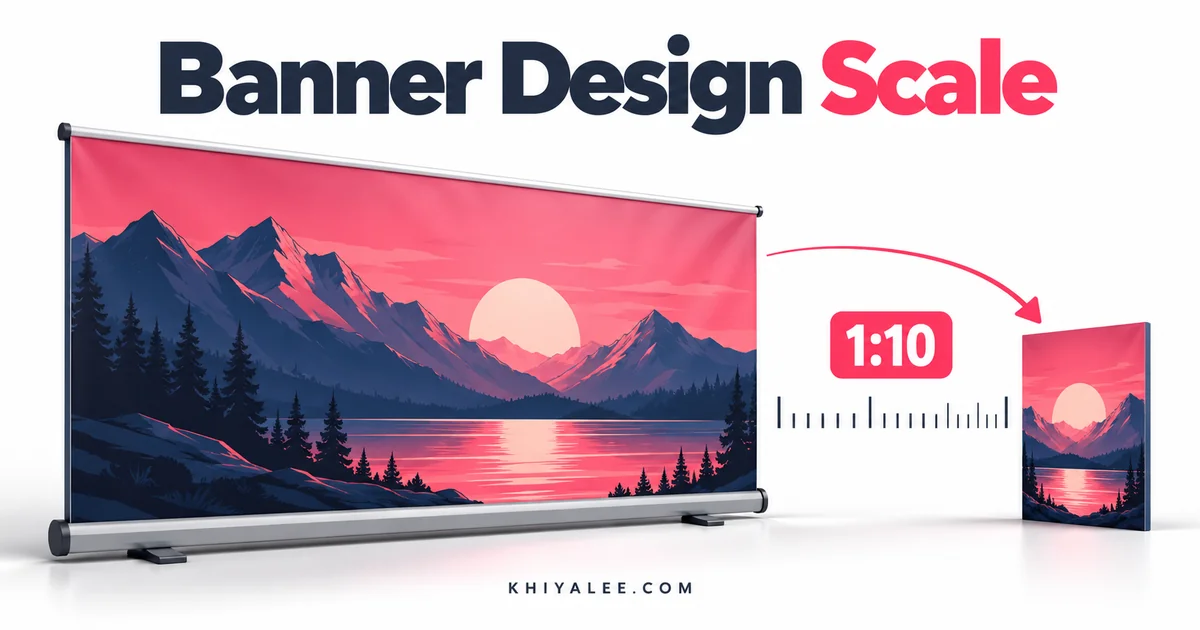
اصل سائز درج کریں اور ڈیزائن کا پیمانہ منتخب کریں، مثلاً ایک بہ دس۔
Plan artwork at a smaller scale
Use one measurement unit for both full-size dimensions. Enter the denominator of your required scale, then calculate. For 1:10 artwork, type 10. If your measurements are centimetres, the results are centimetres; if they are inches, the results are inches.
Scale formula and example
Artwork dimension = full-size dimension ÷ scale denominator. A 600 × 300 cm banner at 1:10 becomes a 60 × 30 cm document. That document is 10% of the final size in each direction. Its area is 1% of the final banner area, so do not confuse linear scale with area scale.
Resolution changes when scaled artwork is enlarged
A raster image placed at 1:10 and enlarged ten times has one-tenth of its working PPI at full size. For example, 1,000 PPI in the reduced file corresponds to 100 PPI after tenfold enlargement. Vector shapes scale differently from raster photos. Ask your printer for its preferred setup.
Communicate the scale clearly
Name the scale and intended final dimensions in the print order. Confirm how bleed, stroke widths and finishing allowances should be represented. This tool performs dimension arithmetic; it does not convert files or guarantee print quality.
Frequently asked questions
Does 1:10 mean ten percent?
Yes, for each linear dimension.
Can I calculate an enlargement?
A denominator below 1 enlarges dimensions. For example, 0.5 produces double size.
Does it resize my PSD file?
No. Use the dimensions to set up your design software.