
KHIYALEE / FREE DEVELOPER TOOLS
Markdown to HTML: Convert common Markdown into HTML and inspect the result in a sandboxed preview. This lightweight converter supports headings, paragraphs, simple lists, safe links, emphasis, block quotes, horizontal rules and fenced code. It is a defined subset, not a full CommonMark or GitHub-Flavored Markdown parser.
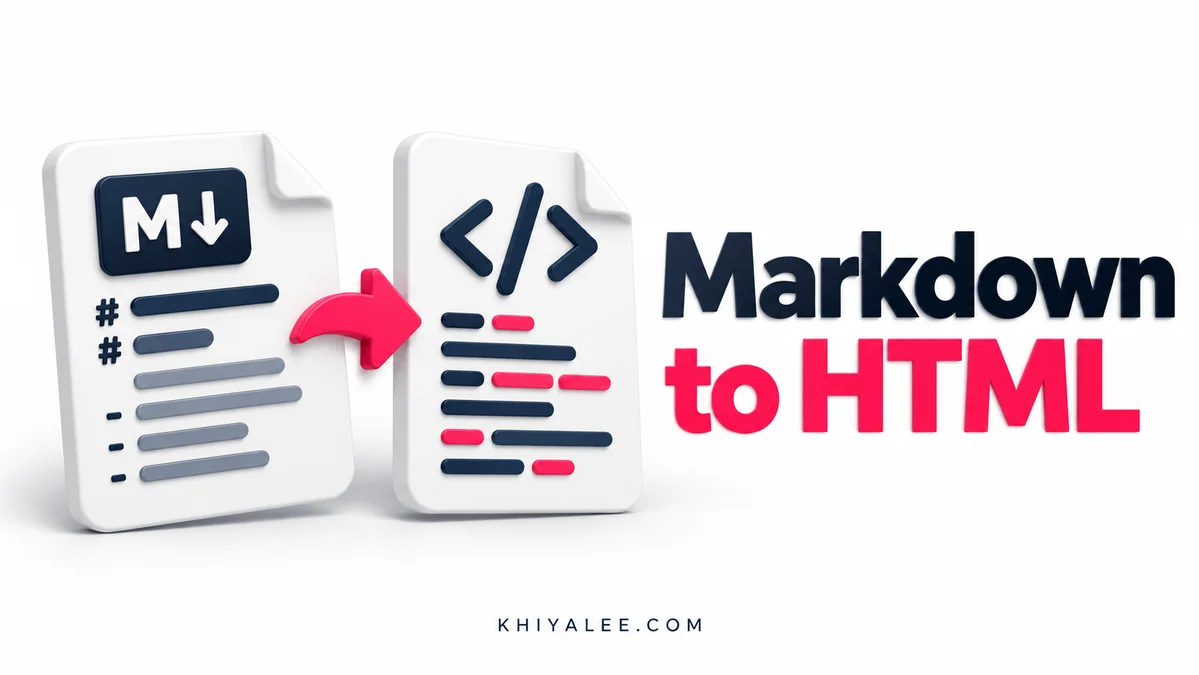
مارک ڈاؤن عبارت کو ایچ ٹی ایم ایل میں تبدیل کریں۔
How to use the Markdown to HTML
- Paste Markdown into the input box.
- Convert and inspect the HTML source.
- Review the sandboxed visual preview.
- Copy the generated HTML and test it in your publishing destination.
Worked example
“# Welcome” becomes an h1 heading. “**Important**” becomes strong emphasis. A fenced code block is escaped and displayed as code instead of executing as HTML or JavaScript.
Markdown to HTML Converter: understand the result
Supported formatting
Use one to six hashes for headings, stars for bold or italic emphasis, simple numbered or bulleted lists, greater-than signs for quotes and triple backticks for code blocks. Ordinary paragraphs are separated by blank lines. Links use the familiar label-and-address syntax. Advanced nesting, tables, image syntax, task lists and extensions are not implemented in this version.
Raw HTML is treated as text
The converter escapes raw HTML rather than trusting pasted markup. It also excludes unsafe link schemes such as javascript and data, and displays a preview inside a sandbox without script permissions. These choices help prevent pasted text from running code in the tool. The generated HTML should still be reviewed before it is pasted into a different system with its own rules.
Preview the destination as well
A heading, list or code block can look different after a website theme applies its own styles. The preview is a convenient check of structure, not a promise that the destination will match it exactly. Copy only the HTML output, keep the original Markdown for editing, and verify the published layout on a phone as well as a desktop screen.
Use the Markdown to HTML on mobile or desktop
The Markdown to HTML controls adapt to the available screen width. On a phone, fields stack vertically; on a wider screen they stay grouped together. Choose the mode first, read the input labels, and then generate the result. The Copy result button copies the output if your browser allows clipboard access. If permission is unavailable, the output is selected so that you can copy it manually.
Keep a copy of any important input in your own document before resetting or leaving the page. Reset restores the starting controls and clears the displayed output; it does not create an undo history. The tool does not retain previous results, compare them with a database or submit them to another application for you.
After copying, check the result in the destination where you intend to use it. Preserve meaningful units, labels and exact characters. A browser calculation or conversion can be correct while a separate form, document or production process expects a different input format. Use the example above to understand the operation before relying on your own result.
Markdown to HTML Converter: frequently asked questions
Is this a complete CommonMark parser?
No. It supports the documented common subset only.
Does it run scripts in pasted HTML?
No. Raw HTML is escaped and the preview has no script permission.
Are Markdown tables supported?
Not in this lightweight version.
Browse all free tools, including calculators, writing helpers and printing tools.
Reference: CommonMark syntax reference. Examples are illustrative; use your own inputs for the final result.