
KHIYALEE / FREE TEXT TOOLS
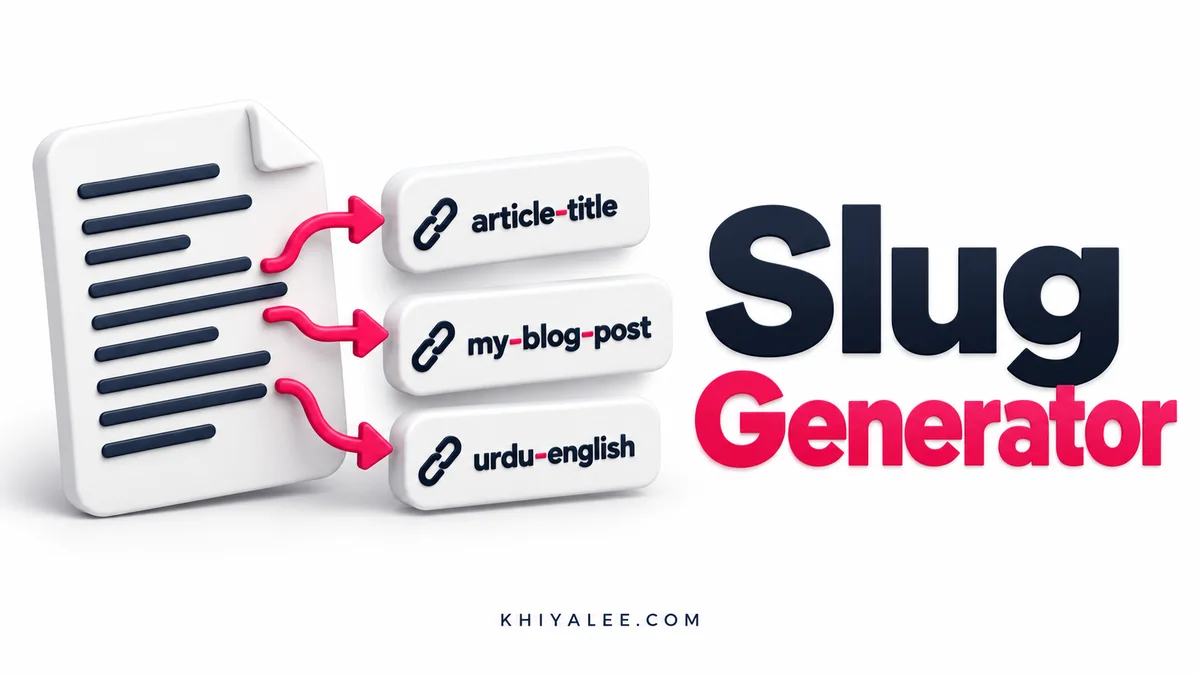
slug generator: Convert a title into a lowercase, hyphen-separated URL slug. Choose ASCII-only output for Latin-style slugs or preserve Unicode letters for Urdu titles. The tool cleans punctuation and repeated separators; it does not check whether a slug already exists on your website.
عنوان سے صاف یو آر ایل سلگ بنائیں۔
How to use the slug generator
- Paste the title rather than a complete URL.
- Choose ASCII-only or keep Unicode letters.
- Generate and review the result for meaning and length.
- Check availability in WordPress before saving a new permalink.
Worked example
“Free Panaflex Size Calculator!” becomes free-panaflex-size-calculator. A title written only in Urdu needs Unicode mode; ASCII mode removes Urdu characters rather than translating them.
Slug Generator: understand the result
A slug is one part of a URL
A slug is the readable final segment of a permalink, not the entire website address. Keep it concise enough to identify the page without unnecessary date strings or repeated words. The generator applies text cleanup only. It does not choose a focus keyword, validate your site structure or guarantee a particular search result.
ASCII and Urdu serve different needs
ASCII mode removes non-Latin characters after normalising common Latin accents. It does not transliterate Urdu into Roman Urdu. Unicode mode preserves letters and numbers from Urdu and other scripts, while removing punctuation and collapsing spaces into hyphens. Browsers may display those Unicode characters directly or as percent-encoded bytes when a URL is copied.
Be careful when changing published URLs
For a new page, set a useful slug before publication. For an existing indexed page, a slug change can break incoming links unless the old address redirects properly. Check internal links, canonical settings and the redirect after any deliberate change. This generator never edits WordPress permalinks itself, so you retain control of the final URL.
Use the slug generator on mobile or desktop
The slug generator controls adapt to the available screen width. On a phone, fields stack vertically; on a wider screen they stay grouped together. Choose the mode first, read the input labels, and then generate the result. The Copy result button copies the output if your browser allows clipboard access. If permission is unavailable, the output is selected so that you can copy it manually.
Keep a copy of any important input in your own document before resetting or leaving the page. Reset restores the starting controls and clears the displayed output; it does not create an undo history. The tool does not retain previous results, compare them with a database or submit them to another application for you.
After copying, check the result in the destination where you intend to use it. Preserve meaningful units, labels and exact characters. A browser calculation or conversion can be correct while a separate form, document or production process expects a different input format. Use the example above to understand the operation before relying on your own result.
Slug Generator: frequently asked questions
Does it translate Urdu into English?
No. Unicode mode preserves Urdu; ASCII mode removes it.
Does it check duplicate slugs?
No. Check the WordPress editor or your site’s existing URLs.
Should I change every old URL?
No. Change an established permalink only for a clear reason and handle redirects.
Browse all free tools, including calculators, writing helpers and printing tools.
Reference: MDN Unicode normalisation reference. Examples are illustrative; use your own inputs for the final result.